Older version: This help is for Chaos Intellect 3, a discontinued version kept here for customers who still use it. For the current version, see the Chaos Intellect help or Chaos Intellect on our web site.
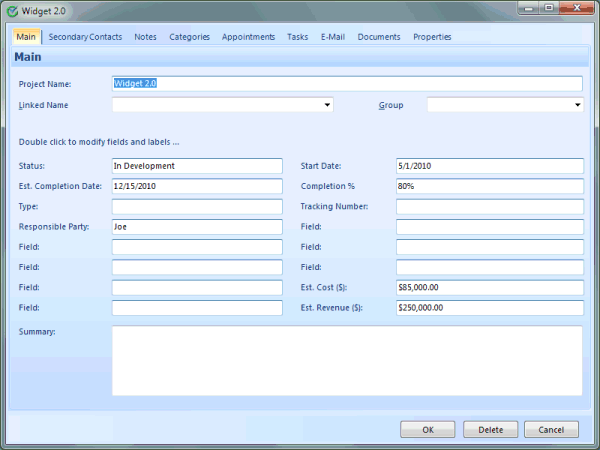
The Projects entry screen starts on the Main Tab where you can name this project and use the many custom fields to enter your desired information. Notice that you can double click on the field labels to modify their names and purpose.
There are also tabs along the top for Notes and a place to see or add Appointments, Tasks, Documents, and Additional Linked Contacts for this project. This can provide a great way to manage a project and all the little tasks that go into making the Project successful and complete.
This help article applies to Intellect 3