This is a rough in progress guide to the new version before the help file gets
written.
Classic Screen
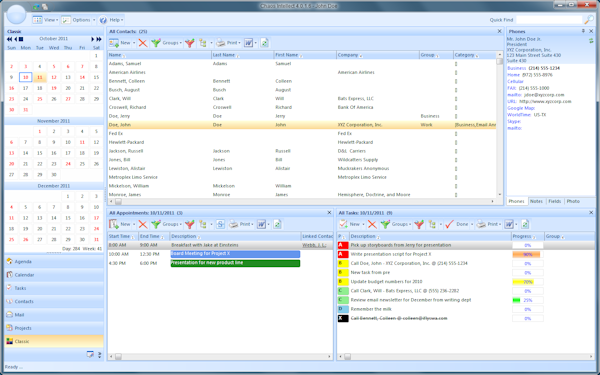 Classic
screen looks similar to old version BUT now has dockable, movable or removable
panels!
Want to get rid of a section? Click the X in the right corner to remove it.
Want to rearrange the sections. Drag the title of a section (like All Tasks)
and while in motion, you'll see anchors appear on screen to help you drop it
and arrange it the way you like it.
Mess it up while playing with the docking panels? Go to Help and choose
Reset Dock Panels to put it back to factory settings.
Contacts Screen
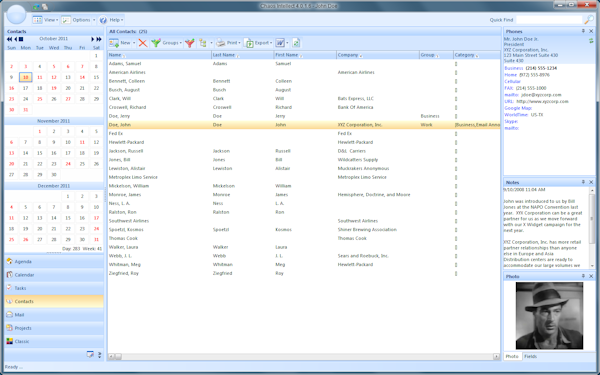 Not
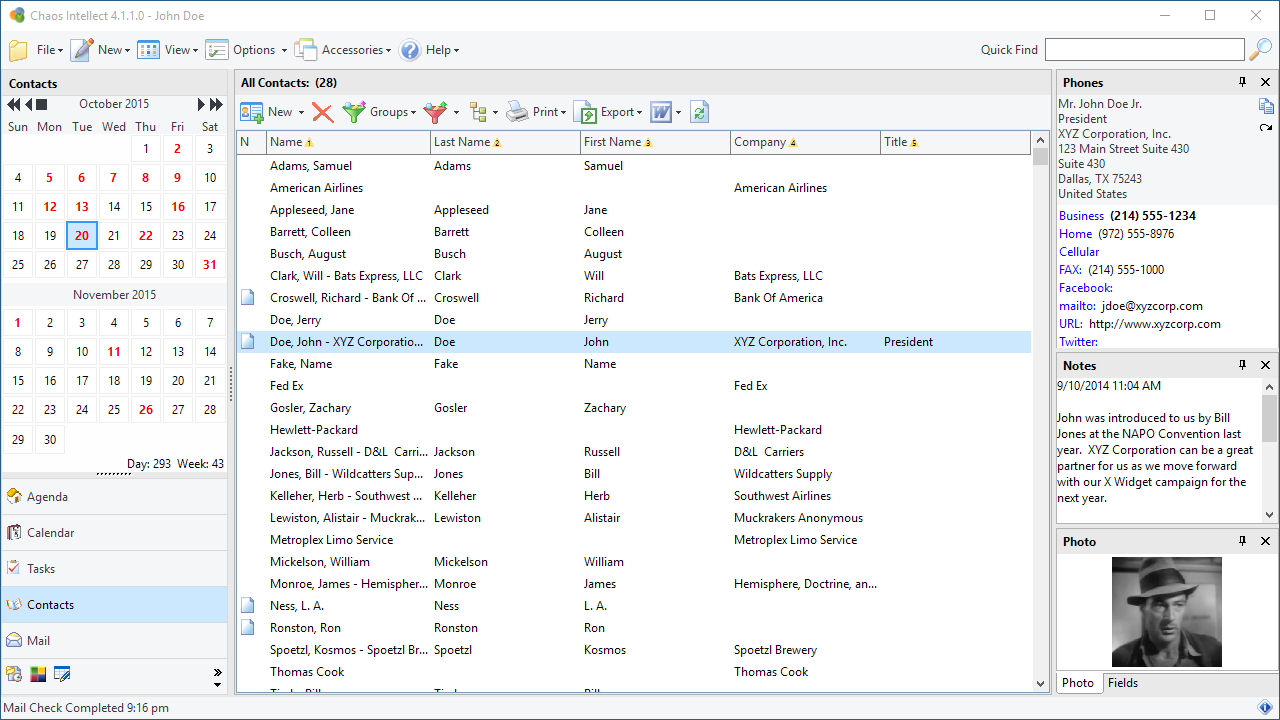
hard to notice the Photo section to put a mug shot for any contacts. This works
with ChaosHost and mobile phones so any photos you take on your iPhone or Android
and add to a contact should sync up and show up in Intellect and Time & Chaos, too.
Look closer and you'll notice a Name column that is auto-generated in display
order. New to this version is an option to sort by First Name, in addition to
the Last Name and Company name options we have always supported.
Calendar Screen - Week
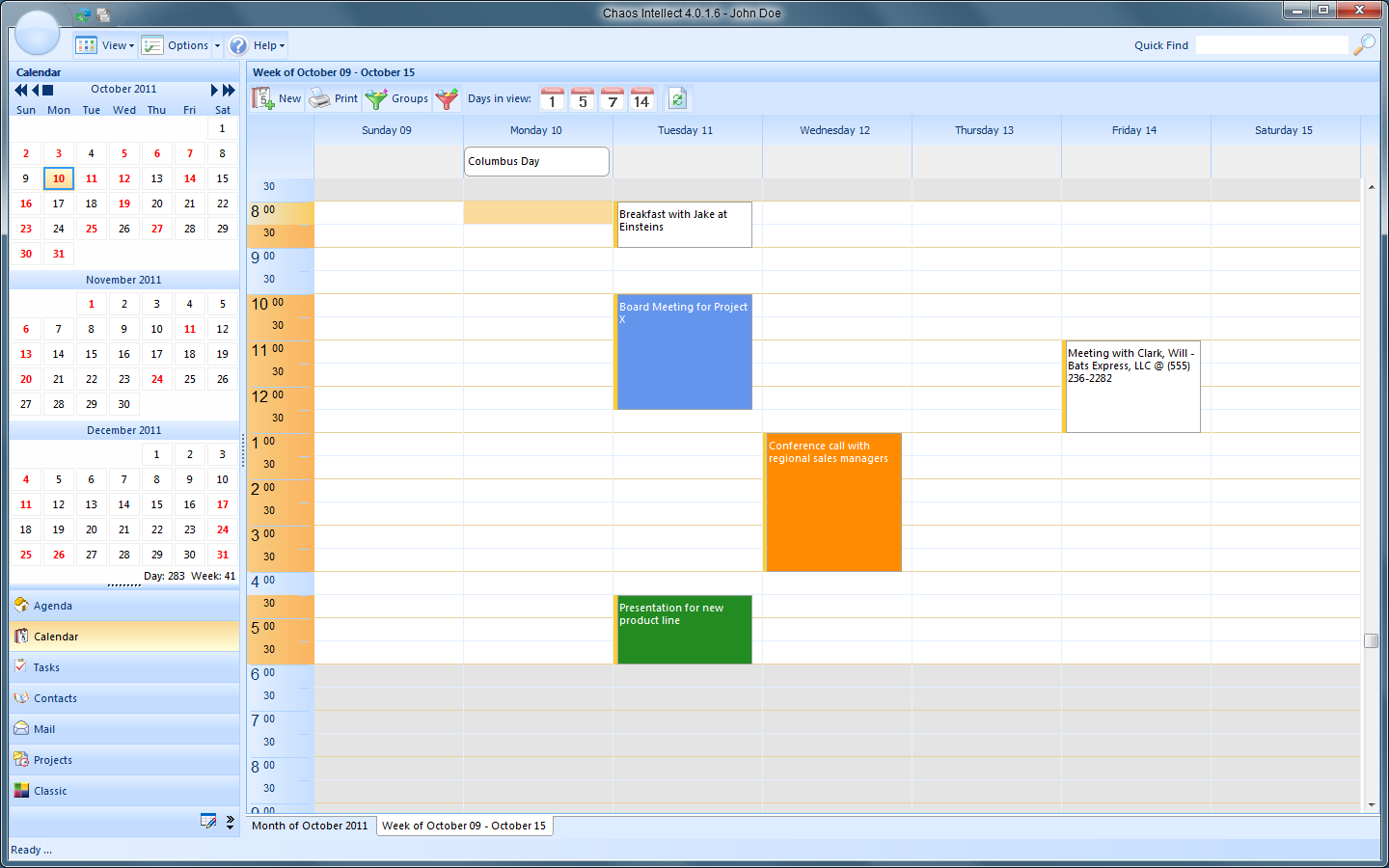
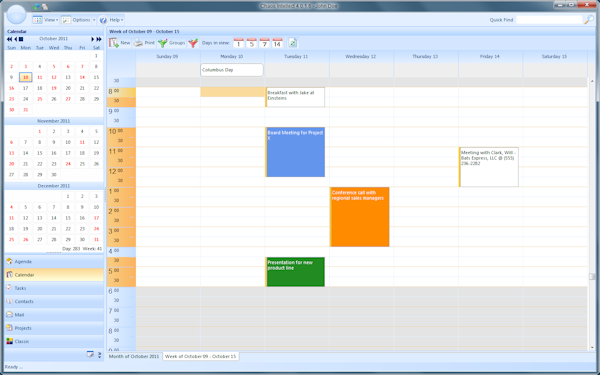 Note
the tabs at the bottom where you can toggle between week and month views.
Calendar Screen - Month
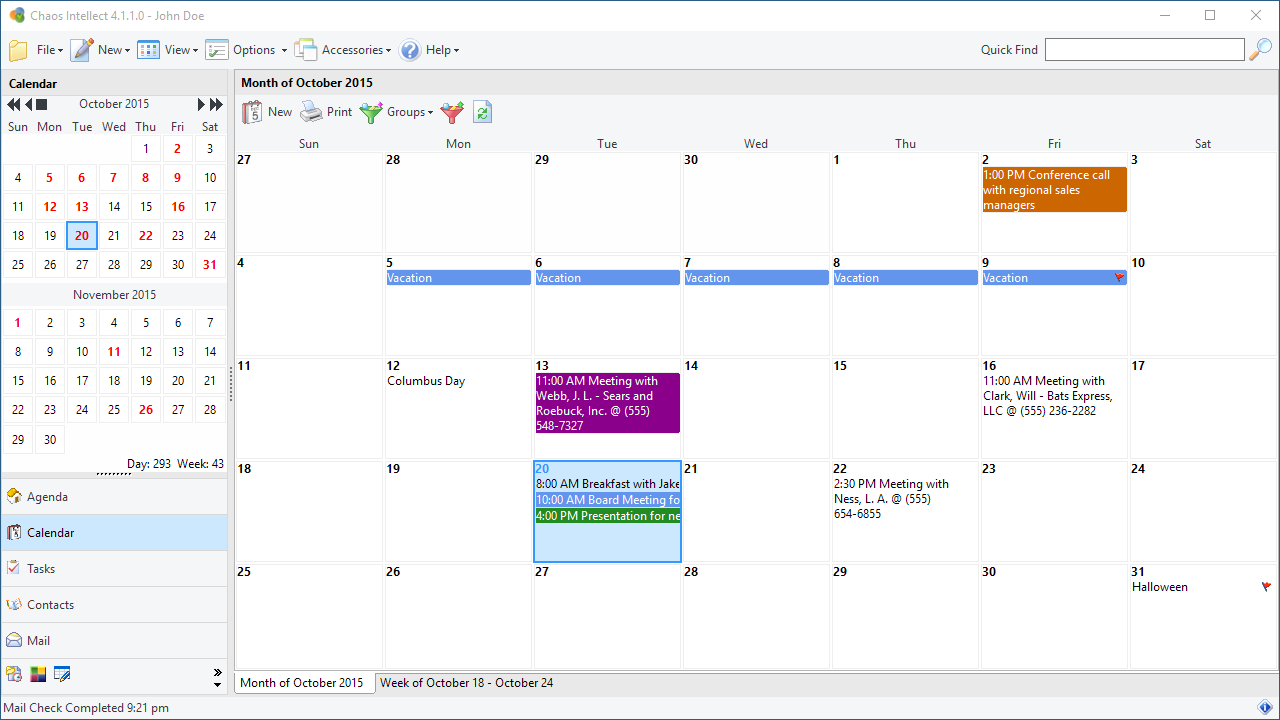
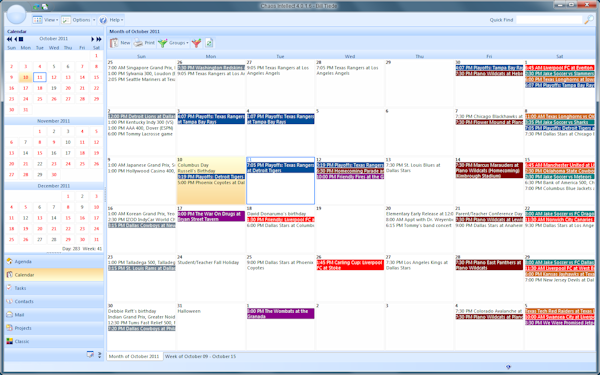 The
month view has been completely redone and now performs fast even with lots of data.
It is also designed to fit to screen so you'll always see the full month.
Agenda Screen
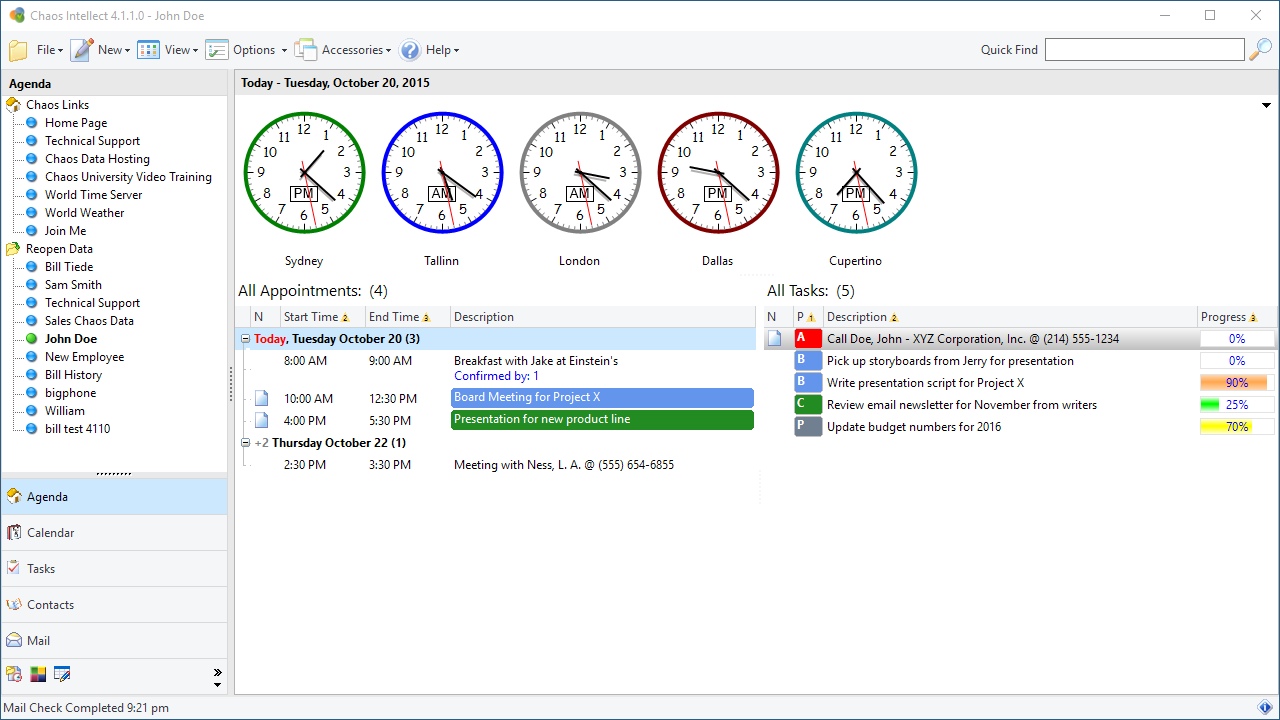
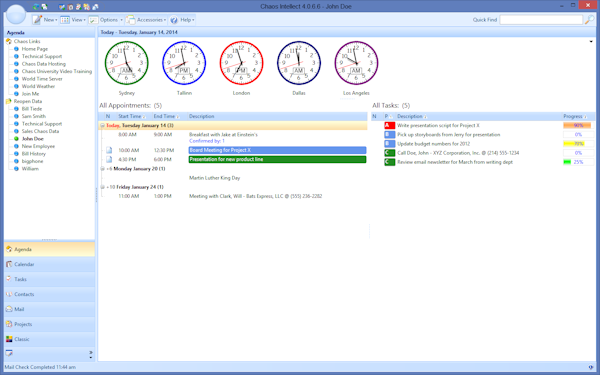 Agenda
is the renamed Today view from the old version, to alleviate confusion between
this view and clicking the Today button on the calendar to go the current day.
(Tech Support is tired of explaining this one over and over ;)
The Agenda page matches whatever appearance them you have selected for the
program and a button on the toolbar at the top lets you toggle the world clocks
as visible or not.
 Classic
screen looks similar to old version BUT now has dockable, movable or removable
panels!