Older version: This help is for the original ChaosSync for Outlook, a discontinued version kept here for customers who still use it. For the current version, see the ChaosSync for Outlook help or ChaosSync for Outlook on our web site.
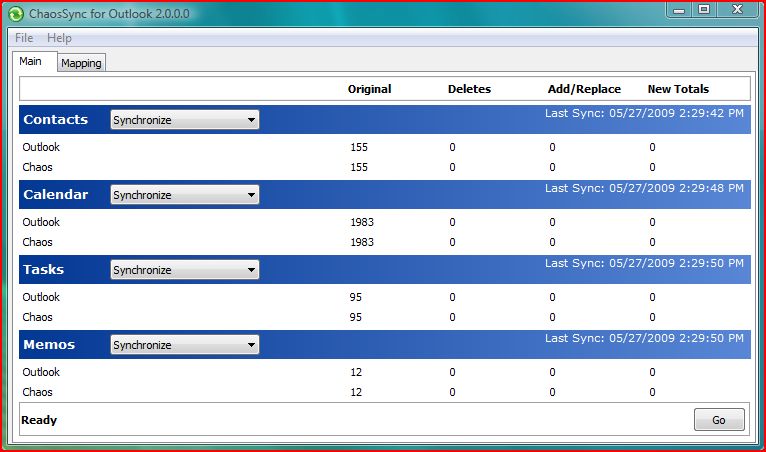
Each section can be changed to a specific sync direction. The four available options are:
The two one way sync options will perform a full overwrite. In other words, selecting Chaos overwrites Outlook will remove all records from Outlook for that specific section (i.e. Contacts) and then write all the records from Time & Chaos or Intellect into Outlook.