Older version: This help is for Time & Chaos 7, a discontinued version kept here for customers who still use it. For the current version, see the Time & Chaos help or Time & Chaos on our web site.
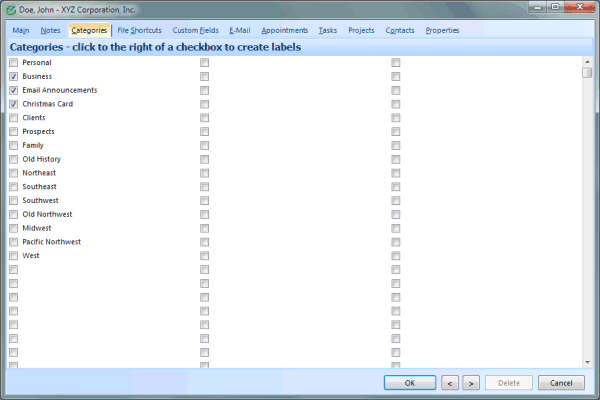
With any of the data entry screens you should find an index card tab for Categories. To the right of each check box you can click to edit or assign a name for it. Category Labels are global in scope so once you type in a label you will see that label in ALL RECORDS. You would normally check as few or as many categories as apply to the contact.
This help article applies to Time & Chaos 7