Older version: This help is for Time & Chaos 7, a discontinued version kept here for customers who still use it. For the current version, see the Time & Chaos help or Time & Chaos on our web site.
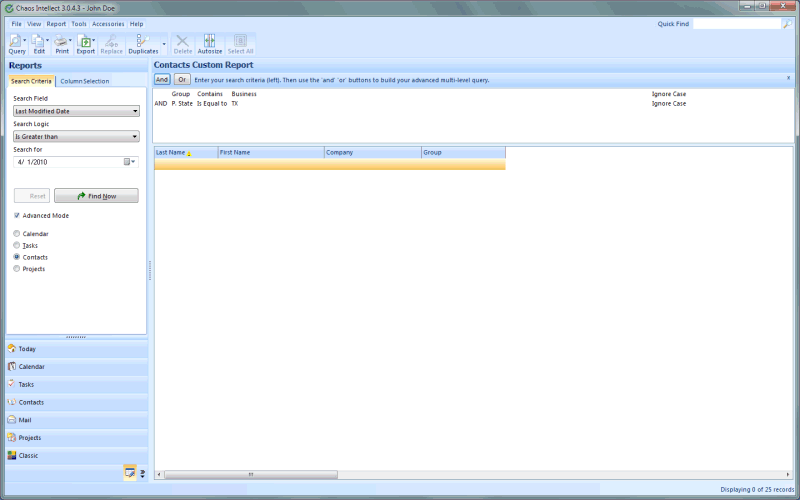
From the Report screen, look for the Advanced Mode option (just below the Find Now button). This changes the options for your search criteria to allow you to built complex queries with a screen that looks like this:
For example: P. State Is Equal To TX and Category Is Equal To [customer] and Group Contains Prospect
To enter complex search criteria, using this example to show you how it is done, try the following:
Your results are displayed in the columns and rows that you requested. Once you have specified your advanced search you can now optionally save this query for later use by selecting Save Report Specifications under the File Menu.
This help article applies to Time & Chaos 7